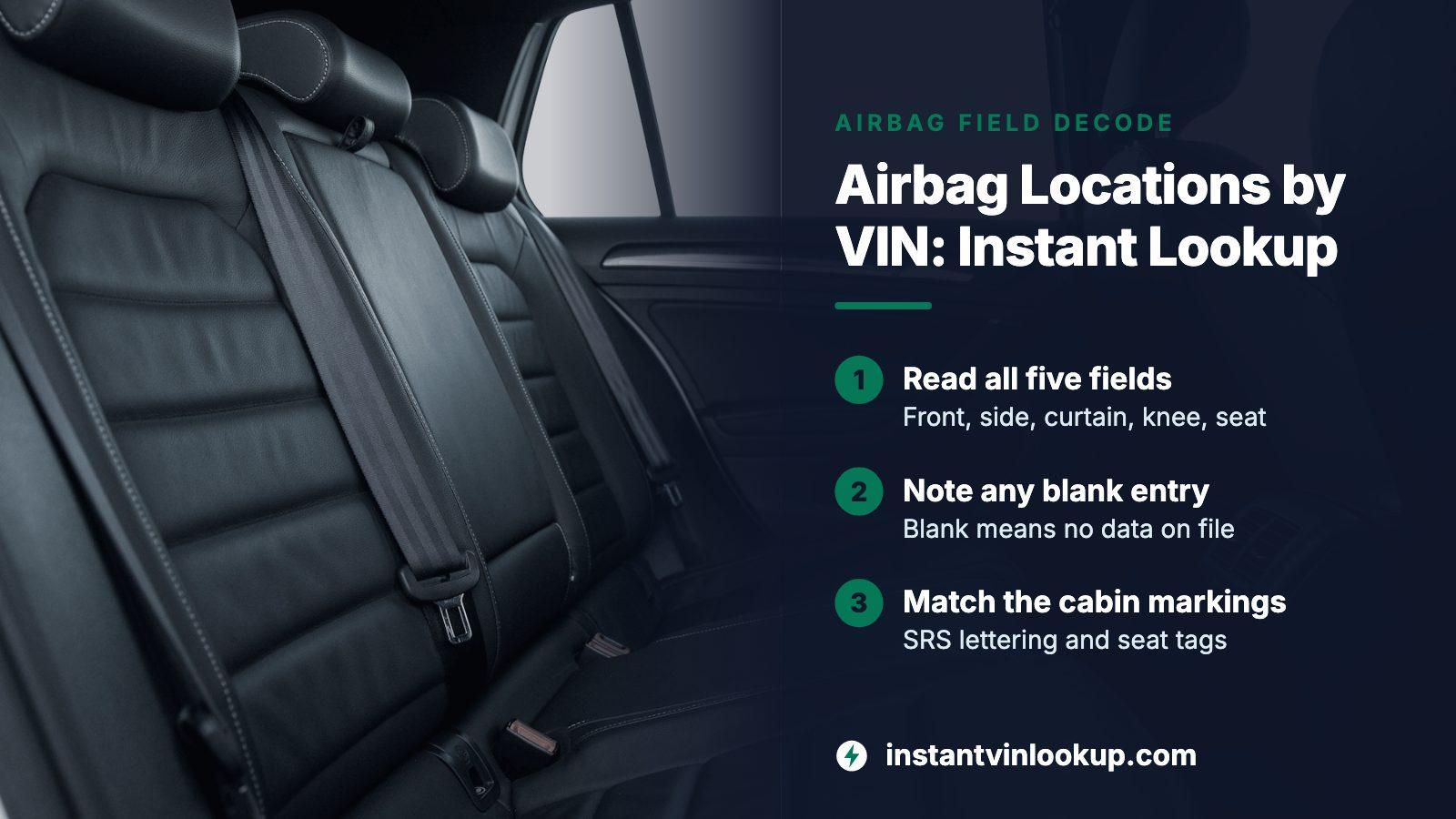
THE SHORT ANSWER
Decode the 17-character VIN and look for the five airbag location fields in NHTSA's vehicle catalog: front, side, curtain, knee and seat cushion. Each entry names a row or a seat, such as the first row or the driver seat only. An empty field means NHTSA has no record, not that the airbag is missing, so confirm anything blank against the owner's manual.
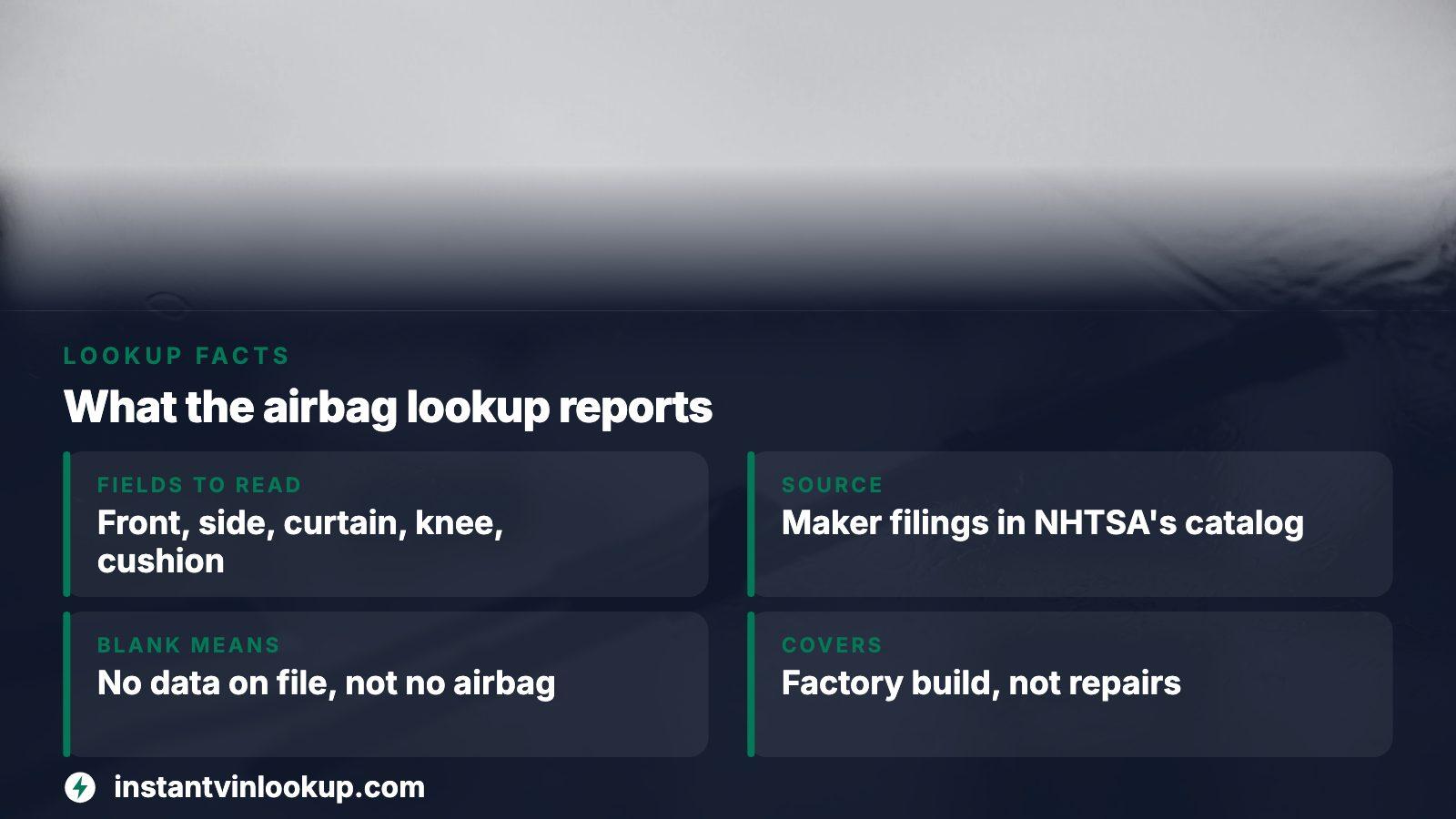
- Fields to read
- Front, side, curtain, knee and seat cushion
- Source
- Maker filings in NHTSA's vPIC catalog
- Blank means
- No data on file, not no airbag
- Covers
- Factory build, not repairs or deployments
What an instant lookup returns for airbags
NHTSA keeps a catalog of vehicle data that manufacturers file, and a VIN is the key that opens a car's entry. Airbags show up there as five separate location fields instead of a single yes or no. Each field names the seats a bag type protects: the first row, the first and second rows, all rows, or one seat only.
That is more useful than a sales listing that just says six airbags. Knowing the type and the row tells you whether the back seat has head protection, whether the driver has a bag at knee height, and whether the passenger seat has a cushion bag under the occupant.
Our lookup reads the same catalog, shows the result in the free preview and keeps the full report as a separate paid step with a single payment.
The five airbag types and what each one is for
NHTSA's own field descriptions make the roles plain. Frontal bags target hard head-on or nearly head-on impacts, side bags usually shield the torso or head, and curtain bags are the side bags aimed at the head.
| Field | Role in NHTSA's wording | Typical coverage you may see |
|---|---|---|
| Front | Meant for hard impacts from the front or close to it | Often the first row |
| Side | Added protection for chest, head or both | First row, or more |
| Curtain | A side bag that protects the head | First and second rows, or all rows |
| Knee | Drops from the lower dash to spare the legs | Driver only, or both front seats |
| Seat cushion | Backs up the belt so the front passenger does not slide forward | Passenger seat only |
Plenty of cars carry just the first two. Newer or better-equipped models add more, and trim level inside a single model can change the list.
Four decodes that show how different the answers are
We ran partial and full VIN patterns through NHTSA's decoder to see what comes back. The spread is wide, which is the reason to decode the exact car rather than assume from the model name.
| Vehicle | Front | Side | Curtain | Knee |
|---|---|---|---|---|
| 2003 Honda Accord coupe | 1st row | 1st row | 1st and 2nd rows | None listed |
| 2010 Toyota Prius | 1st row | 1st row | All rows | Driver seat only |
| 2016 Toyota Camry | 1st row | All rows | All rows | 1st row |
| 2018 Ford F-150 | 1st row | 1st and 2nd rows | None listed | None listed |
The 2018 Corolla pattern we tried even returned a seat cushion entry for the passenger seat only. Two cars of similar size and price can differ by an entire airbag type.
Why a blank field is not a missing airbag
Each decode ships with a caution attached: when a value is absent, NHTSA simply holds no data for it, and nobody should conclude the equipment is not on the car. We saw this ourselves. A 2001 Jeep Cherokee pattern gave back the right make, model and year but no airbag fields whatsoever, and a 1997 Corvette gave only the front entry.
How to treat an empty result
Do not tell yourself a car lacks side or curtain bags because the lookup lists none. Read the owner's manual, look for SRS lettering on the pillars and roof edge, or have a dealer pull the build details for that VIN.
Older vehicles are where thin results turn up most in our test patterns.
Steps for decoding the car you are eyeing
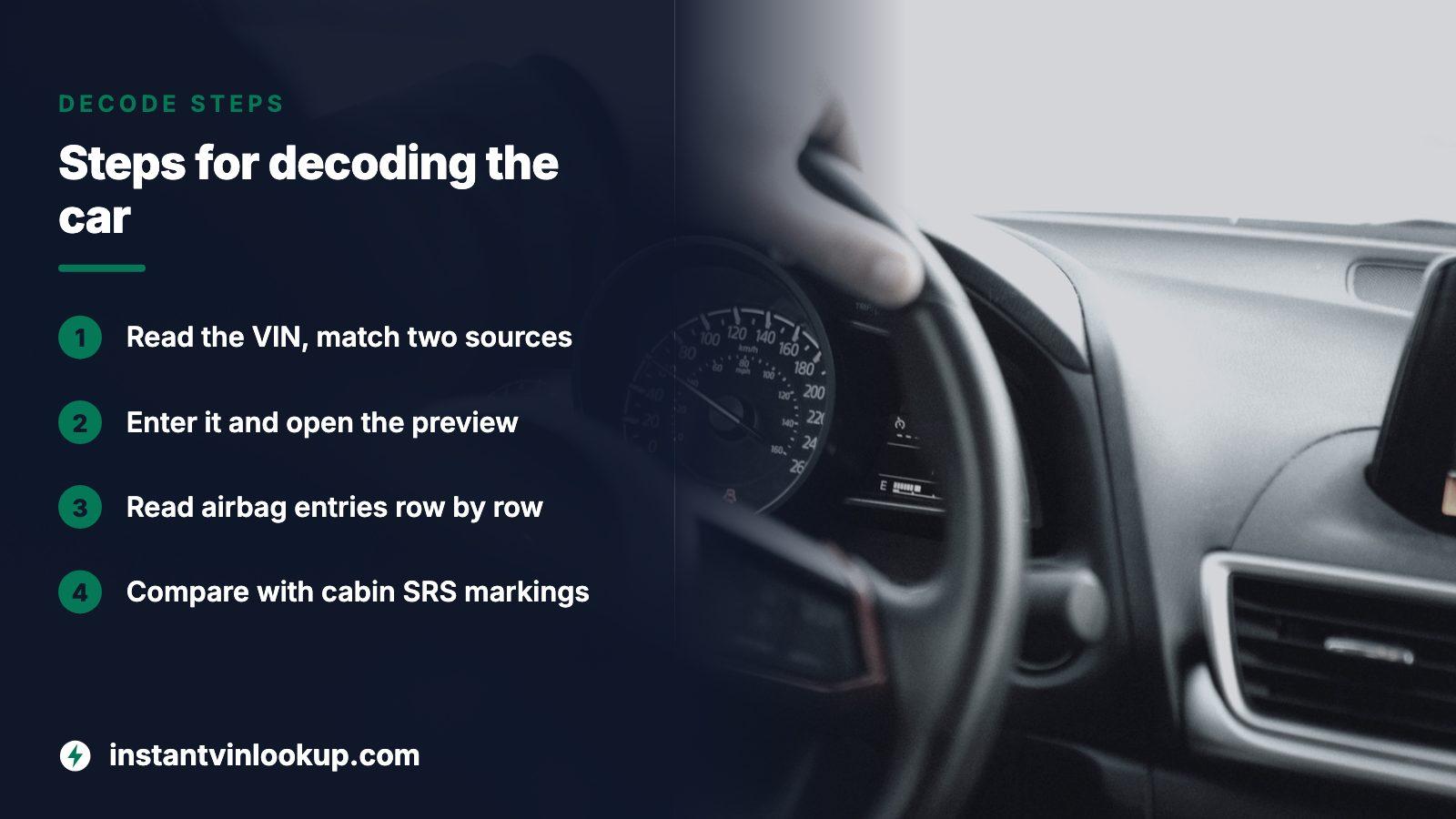
- Read the VIN, all 17 characters, off the windshield-base plate, the jamb label or the title, and confirm two sources agree.
- Enter it in the lookup and open the free preview.
- Read the airbag entries row by row and note any type that comes back blank.
- Hold the result against what you can see in the cabin: SRS lettering, seat tags, dash markings.
- Weigh whether the full report is worth buying before you pay for the car.
A VIN with a bad check digit may still decode in part, so take that as a cue to re-read your characters. A single wrong digit can land you on a different vehicle's data.
What an owner's crash report adds to the list
A location list says which bags exist. It does not say which will fire in a particular crash, because that depends on where the car is hit.
From an NHTSA owner complaint
A 2010 Prius owner told NHTSA a car crossing from a side street hit the driver's door at about 55 mph. The driver-side curtain bag fired and the passenger-side bag stayed shut. Two people reported injuries, among them bruised ribs for the driver.
Read that as a reminder that a bag listed in the data is a design feature, not a promise it deploys in every collision. The side the car is struck on and the severity of the hit decide which ones go off.
What this lookup does not show about airbags
- Whether a bag has ever deployed. For that, see a deployment-focused check or a repair record.
- Whether a replaced module was fitted properly or reset after a crash.
- Whether an open recall touches the inflators.
- The condition of the sensors, wiring or warning light.
The full report places crash, damage and title records next to the factory specs, so it can close part of that gap. A spec list says what the car was meant to have, while a history says what has happened to it.
Price and your next move
Nothing is charged for the preview. A full report is bought once, with no renewal, and the current choices are on the pricing page. A pack makes sense if several cars are on your shortlist.
With the airbag list in hand, walk back to the car and match each entry to something visible. Write down any mismatch. If a listed type seems absent, or the warning lamp behaves oddly, ask the seller for repair paperwork before talking price.
Where this information comes from
- NHTSA vPIC API documentation — Explains how the catalog is filled by makers and how partial VINs are decoded.
- NHTSA vPIC variable list — Source of the five airbag field names and their definitions.
- NHTSA vPIC VIN decoder — The public decoder behind the example results above.
- NHTSA owner complaint 10651443 — owner experience, paraphrased
Sources and photos: Facts checked against the sources above in November 2026. Photos by Erik Andersson, Miles Loewen and Thibault Valjevac on Unsplash; diagrams by InstantVINLookup.
Keep reading
- Airbag Deployed Check: Spot a Hidden Deployment From the VINLocations say what is fitted; this page covers whether a bag has already fired.
- Where Is the VIN Number? Find It in a Minute, Then Verify ItWhere to find a VIN on the car so you can start the lookup.
- Seating Capacity by VIN: What an Instant Lookup Can and Cannot Tell YouAnother seat-related spec you can read from the same VIN.
- VIN Lookup: Check a VIN Number on a Car Before You BuyHow the lookup and its free preview work for any vehicle.
Frequently asked questions
Can I find airbag locations with just the VIN?
Yes, in most cases. The VIN opens a catalog entry that lists front, side, curtain, knee and seat cushion airbags with the rows they cover. Coverage is uneven, so some cars return only one or two entries, and older ones may return none.
Does the lookup show if my car's airbags have deployed?
No. It reports the airbags the car was built with, taken from maker filings. A deployment shows up in crash or damage records, a repair invoice, or a scan of the restraint module, so use a separate check for that question.
Why does my VIN return no curtain airbag?
The catalog may just lack the data, and NHTSA cautions against reading a gap as absent equipment. Check the owner's manual, look for roof-edge markings, or ask a dealer to confirm the build for that exact VIN.
Do two trims of one model have the same airbags?
Not always. Equipment can vary by trim and year, which is why a lookup on the exact VIN beats a guess from the model name. Our examples show same-sized cars with different side, curtain and knee entries.
Is the airbag list part of the free preview?
The preview costs nothing and shows the factory build tied to your VIN. History records come in the full report, which you buy once; the pricing page lists the options. Only the preview is free.
Now check the car itself
The guide explains what to look for. The report shows what this VIN has on record.