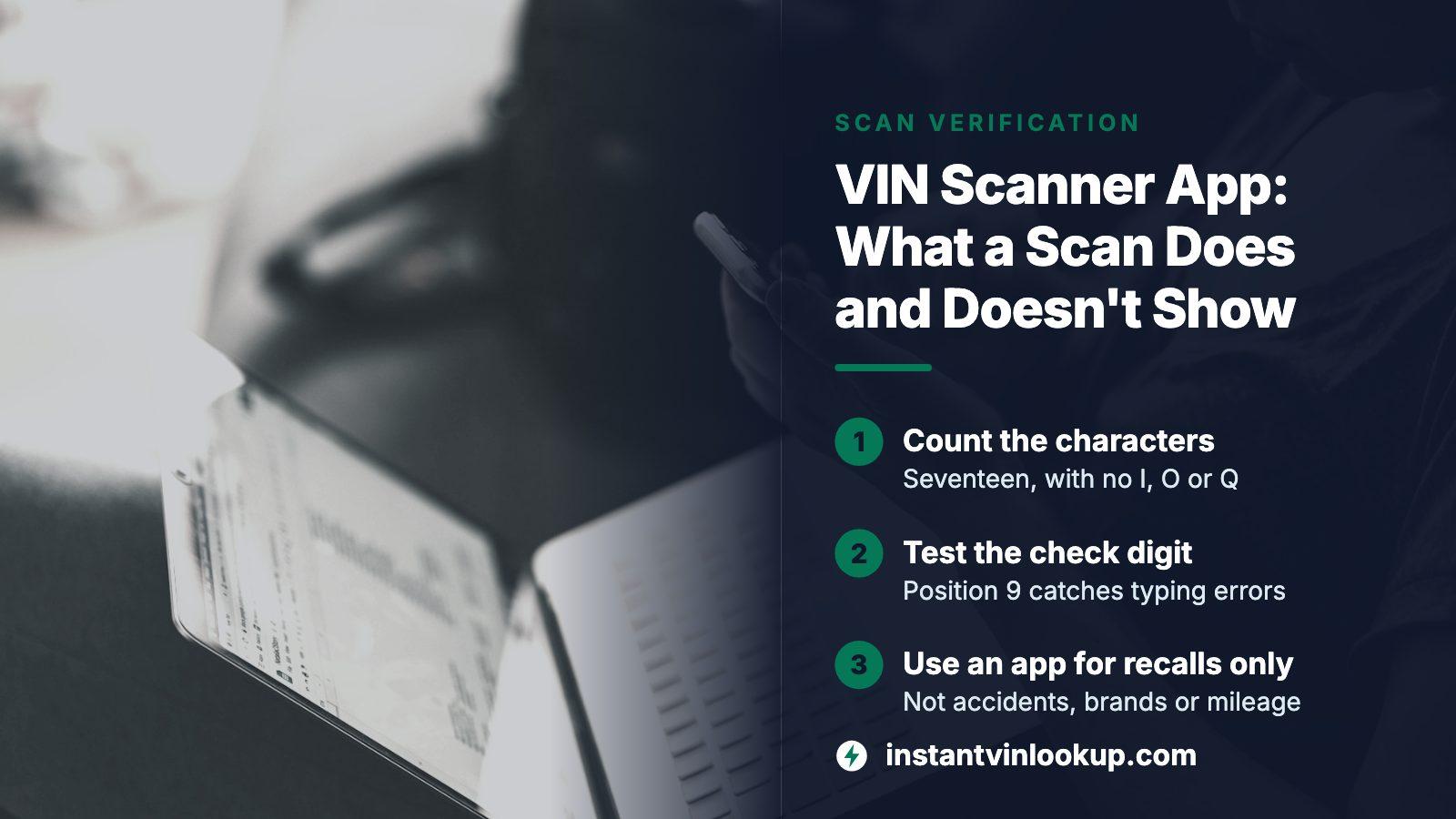
THE SHORT ANSWER
A VIN scanner app turns a camera image into the 17-character number, then hands it to some database. NHTSA's free SaferCar app lets you type or scan the VIN and then watches for recalls on that car. It does not report accidents, title brands or mileage. Verify every scan by eye and by the check digit, then use a lookup preview for the history questions an app cannot answer.
- Scanning is input
- The camera reads the number; the database decides what you learn
- Government app
- SaferCar, free, alerts you to recalls on saved vehicles
- Check digit
- Position 9 of the VIN, built to catch transcription errors
- Never in a VIN
- The letters I, O and Q
The scan is a shortcut for typing, not a check
Every app in this category does two separate jobs. First it reads characters off the car with the camera. Then it sends those characters to a data source and shows what comes back. People tend to credit the first step with the value, but the camera adds speed and nothing else.
That split explains why two apps that scan equally well can give wildly different results. One might simply decode the factory build. Another might query recall data. A third might open a history record. Before you install anything, find out which data source sits behind the scanner, because that is the part that answers your question about the car.
At InstantVINLookup the same logic applies: the number goes in and a free preview answers with a count of what is on file for that car, by category. Whether you type the number, paste it or scan it, the lookup behind it is identical.
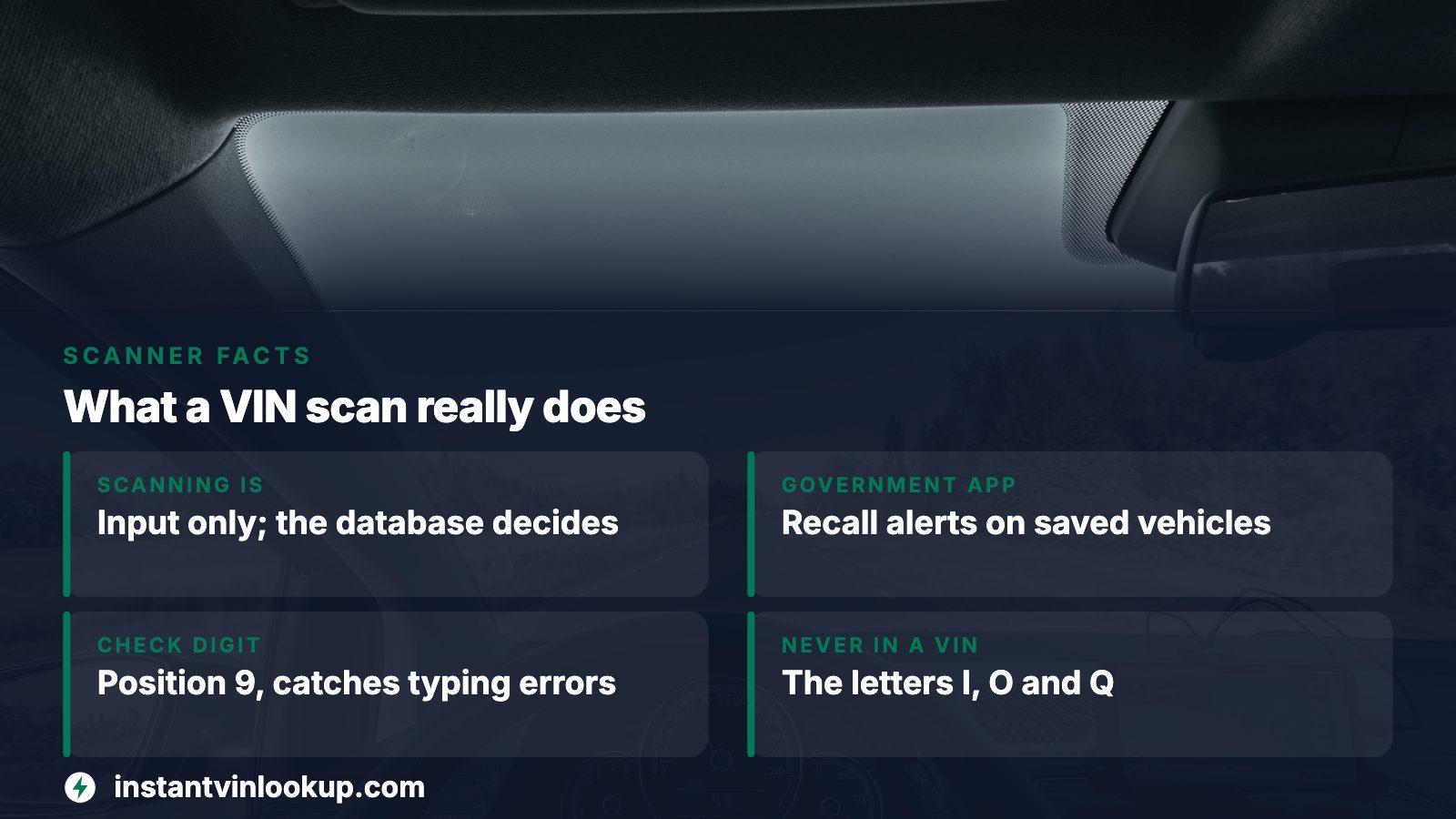
The government's own app: how SaferCar handles a VIN
NHTSA publishes a free app called SaferCar for iOS and Android. Its page describes a three-step setup, and scanning sits inside the second step.
- Download the app and open it.
- Search for the vehicle by year, make and model, add it to the virtual garage, then enter or scan the VIN.
- Optionally add car seats, tires and other equipment.
Once a vehicle is saved, the app checks for recalls on its own, about once a day, and sends a phone alert when it finds one. That only works if the app keeps running in the background, so force-quitting it pauses the checks. NHTSA says the vehicle and VIN details stay on your device rather than at the agency, which also means switching handsets calls for a restored backup or re-entering the cars.
On the phone side, NHTSA lists iOS 17 and Android 7.0 as the floor. If it will not launch, the agency's FAQ points to updating first.
What a recall-only scan will not tell you
The recall tools are useful and deliberately narrow. NHTSA's VIN recall search lists what it leaves out, and that list deserves a read before you lean on an empty result.
| Not covered by the recall search | What that means for a buyer |
|---|---|
| Recalls already repaired | A clean result does not show the car had work done |
| Brand-new recalls where VINs are still being added | Check again a few days later |
| Recalls older than 15 years | Older cars may have gaps unless the maker extends coverage |
| Small manufacturers and specialty builds | Some vehicles return nothing at all |
| Non-safety campaigns and imported vehicles | Dealer service bulletins are invisible here |
Zero recalls is not the same as a good car
The message "0 unrepaired recalls associated with this VIN" speaks only about open safety recalls. It says nothing about a salvage title, a rolled-back odometer or a past collision.
Verify the scanned number before anything runs on it
Cameras misread. A stamped character through a dusty windshield can come back as the wrong glyph, and one wrong character sends the lookup to a different vehicle or to none. Federal rules give you three quick tests that cost nothing.
- Count the characters. A road vehicle built for the American market has 17.
- Look for the letters I, O and Q. Federal rules exclude all three, so a scan containing one is wrong.
- Test the check digit. Position 9 holds a number or the letter X that exists to verify the accuracy of transcription. The decoder from NHTSA can flag a number that fails.
Then compare what you scanned with the plate itself, character by character. When the scan and the metal disagree on even one position, retake the photo in better light or type the number by hand.
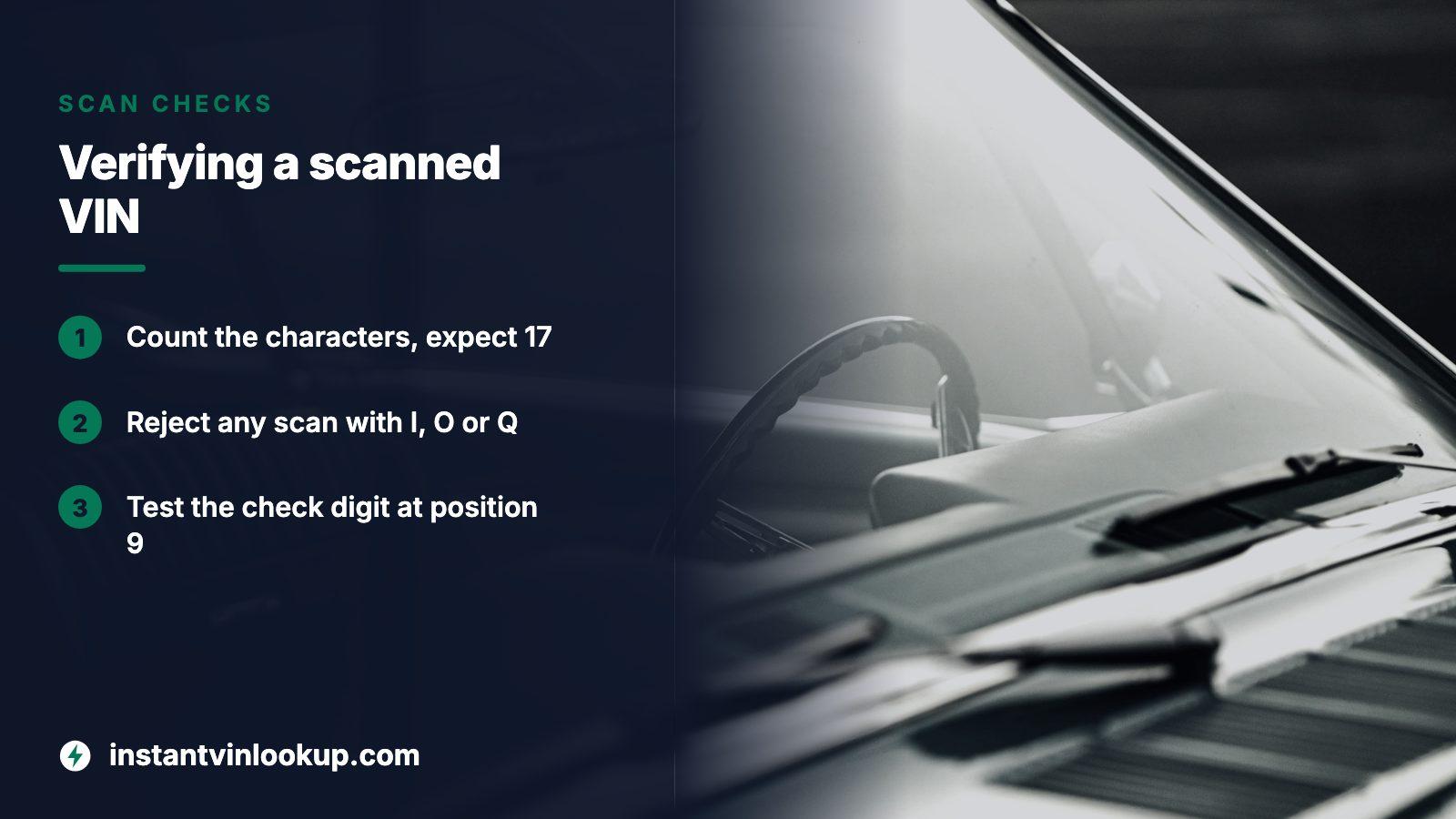
Decoder, recall search, history lookup: three different answers
A scanned number can feed several tools. Matching the tool to the question saves you from the common mistake of treating a spec sheet as a background check.
| Tool | Question it answers | What it cannot answer |
|---|---|---|
| NHTSA decoder (vPIC) | What the maker says the vehicle is, including the build plant and country | How the car has been used or damaged |
| NHTSA recall search or SaferCar | Does this exact vehicle have an unrepaired safety recall | Whether past recalls were handled, or anything about title and mileage |
| Vehicle history lookup | Title brands, damage, odometer and sale records tied to the number | Mechanical condition today |
The decoder accepts a full or partial number, and its output is reported by the manufacturer, so a mismatch between decoder and car is a reason to question the listing.
When the camera will not read it
The rule was written for human eyes: a plate on the dash must be legible to someone standing by the left pillar, glass and all. That placement is good for people and awkward for lenses. Glare, a tinted strip, a parking permit or a reflection from the dash can defeat an app that works fine on a printed label.
Try shooting from a different angle, shading the glass with your hand, or reading the door-side copy instead. If a vehicle was brought in by a registered importer, a separate substitute plate may carry the original maker's number, and a scanner trained on ordinary plates can stumble there. When nothing works, photograph the plate and type the characters from the photo, slowly, left to right. Typing is slower than scanning by a few seconds and wins every time on accuracy.
After the scan: the question the app cannot answer
Say you are standing next to a used car and the scan matched. The recall app will keep you informed of safety campaigns. What it cannot do is tell you whether the car was branded, wrecked or rolled back, and those are the things that cost money after you hand over the cash.
Paste the verified number into the lookup on InstantVINLookup. The preview carries no charge and counts the record categories held for the car, which settles in seconds whether a closer look is justified. Opening the full report is a single payment, never a subscription, and the pricing page spells out the terms. Keep the report for the finalists on your list, not for every car you scan.
Government context
The Department of Justice runs NMVTIS with two aims: cutting down title fraud and keeping stolen cars off the resale market. Its buying tips pair a history check with an independent inspection.
Where this information comes from
- NHTSA: SaferCar app — The app's setup steps, the type-or-scan option, daily background checks and the privacy statement.
- NHTSA: Recall search page — Covers what the VIN recall search returns, plus its own list of exclusions.
- NHTSA vPIC: VIN decoder — Partial VIN support, manufacturer-reported output and the plant information section.
- eCFR: 49 CFR 565.13 VIN rules — Source for the length rule, the position 9 check digit, the allowed characters and where the plate must be visible.
- VehicleHistory.gov: Used car buying tips — Federal advice to combine an inspection with a title and damage history check.
Sources and photos: Facts checked against the sources above in November 2026. Photos by Michal Biernat, Dylan Michaud and Sander Jeurissen on Unsplash; diagrams by InstantVINLookup.
Keep reading
- VIN Lookup: Check a VIN Number on a Car Before You BuyHow the lookup itself works once the number is verified.
- Where Is the VIN Number? Find It in a Minute, Then Verify ItA guide to the number's other locations when the dash plate is unreadable.
- Vehicle Identification Number: What an Instant Lookup Reads From ItWhat the 17 characters mean, position by position.
- Is a VIN Number Private? What a Stranger Can and Cannot Do With ItWhether scanning and sending a VIN to apps exposes you to anything.
Frequently asked questions
Is there a free VIN scanner app?
NHTSA's SaferCar app is free and lets you type or scan a VIN to watch for recalls. Other scanners exist in app stores, but check what data each one returns and what it charges before you rely on it. A scan alone adds no history information.
Does a VIN scanner app show accident history?
Not by itself. The scanner only reads the number. Accident, title and odometer records come from a history source behind it. NHTSA's recall tools report open safety recalls only, so use a history lookup preview when damage and title questions matter.
Why did my scan return the wrong car?
A misread character is the usual cause, often from glare on the windshield or a smudged plate. Count to 17, rule out I, O and Q, and compare against the plate by eye. If one character is off, retype the number manually from a clear photo.
Can I scan the VIN on a car that has no windshield plate?
Look for the copy on the driver's door label or other stamped locations, or read it from the title and registration. Whatever you scan, make sure the characters match across sources, because a mismatch between plate and paperwork is itself a warning.
Does the SaferCar app store my VIN?
NHTSA states that the vehicle, VIN and equipment details you enter stay on your own device, and that none of your user data is stored at the agency. Because of that, moving to a new phone means restoring a backup or entering your vehicles again.
Now check the car itself
The guide explains what to look for. The report shows what this VIN has on record.